NILFISK OS
VISION
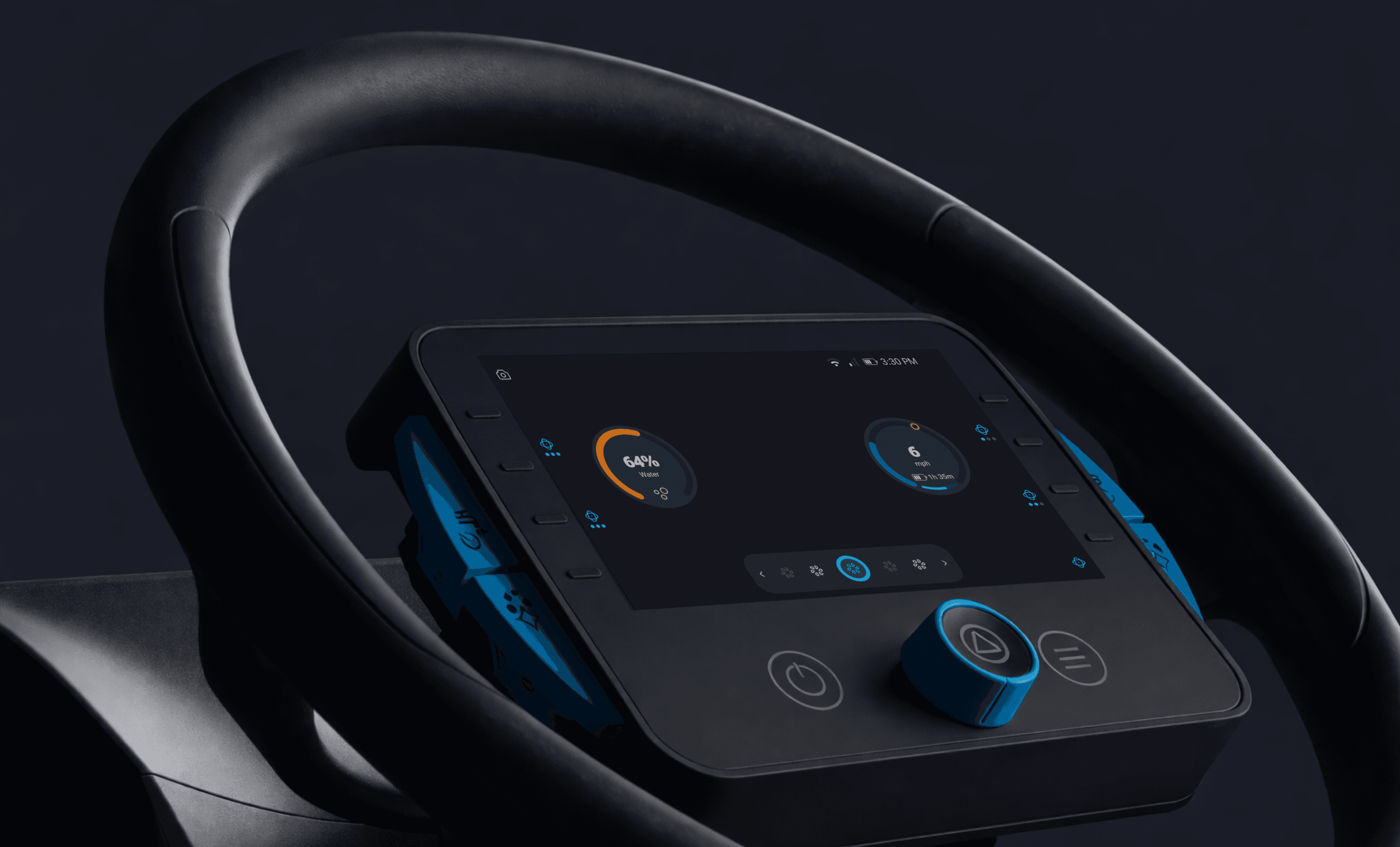
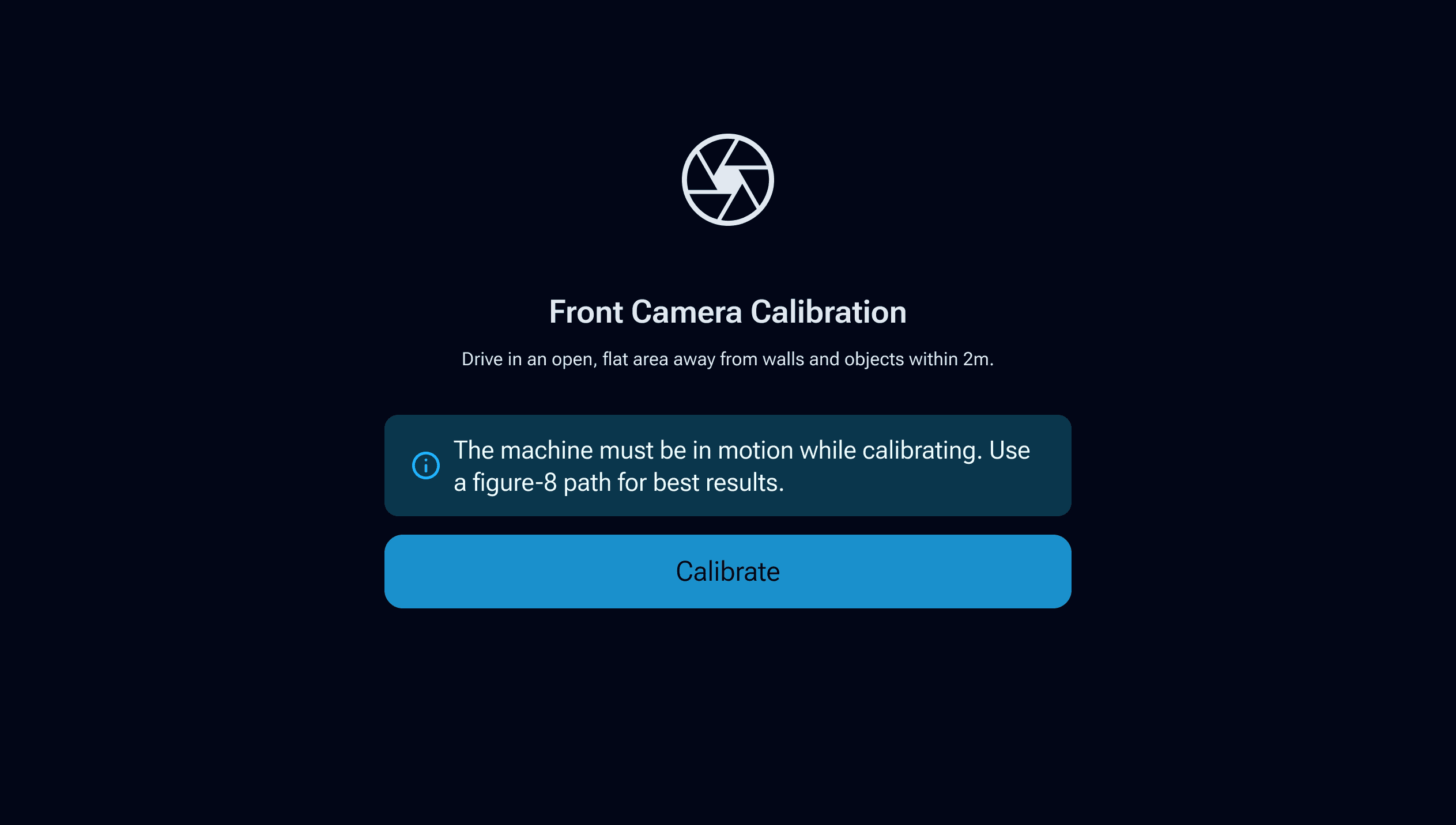
A redesigned operating system built from the ground up that puts users first and brings a unified experience across the Nilfisk lineup while still respecting the unique needs of each machine.
HIGHLIGHTS
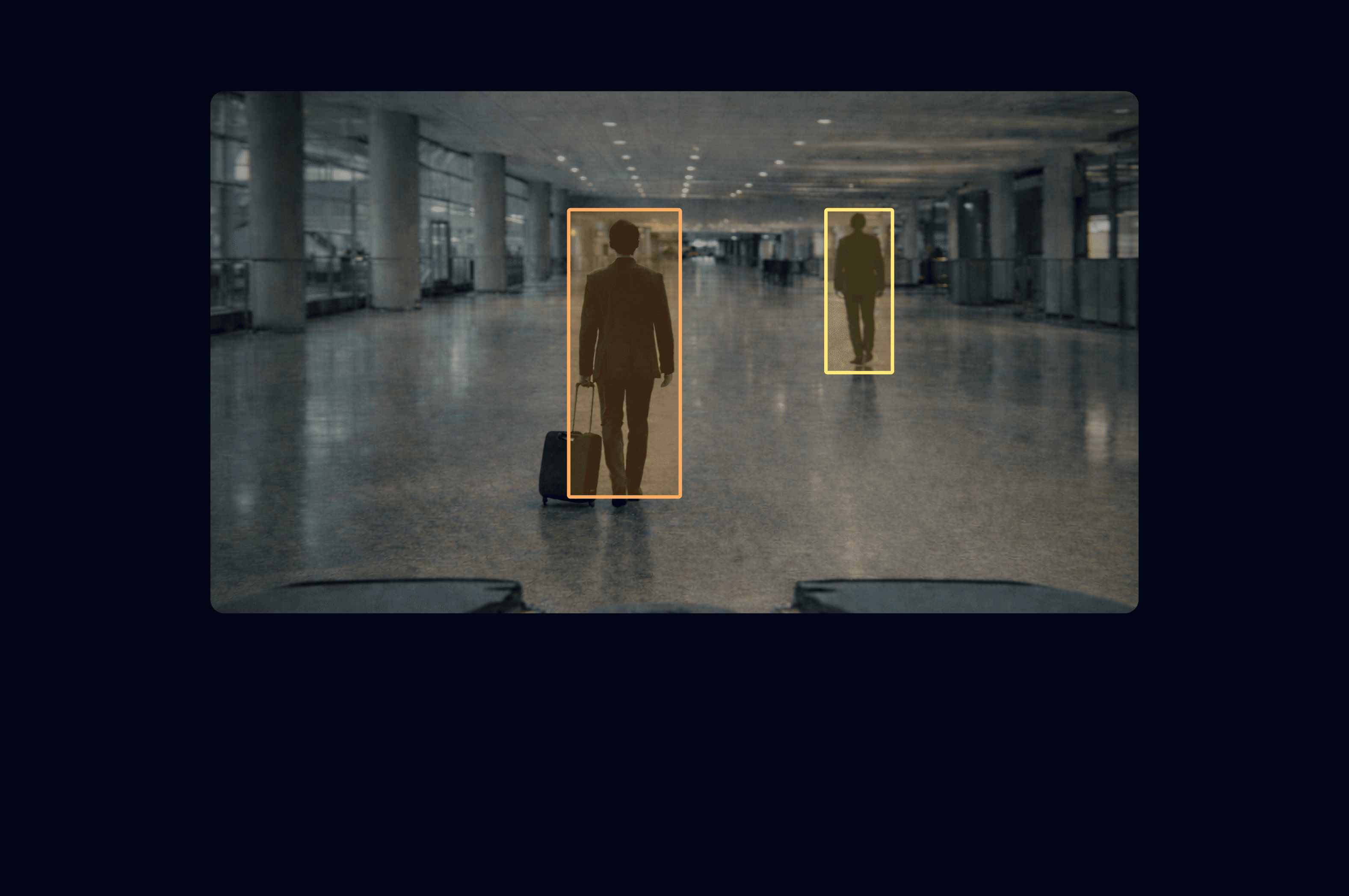
The right information. At the right time.

CHALLENGES IN THIS DOMAIN
Rudimentary interfaces were slowing down every type of user.
These challenges surfaced through field observation, engineering team discussions, conversations with operators on factory floors, and sessions with service technicians.
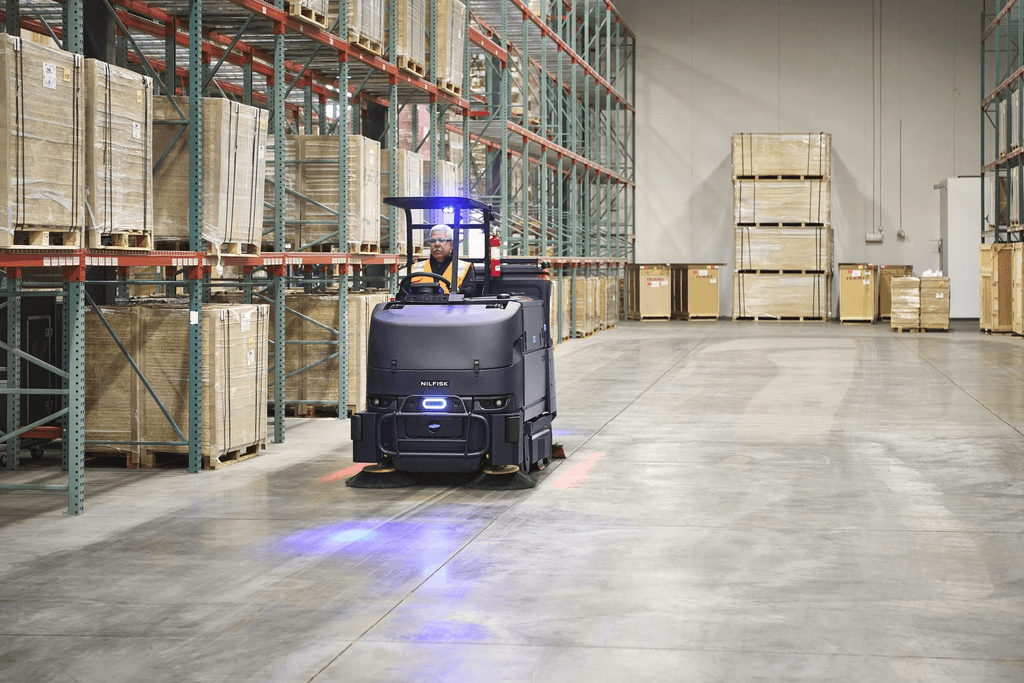
Keeping in mind the unique needs of each machine
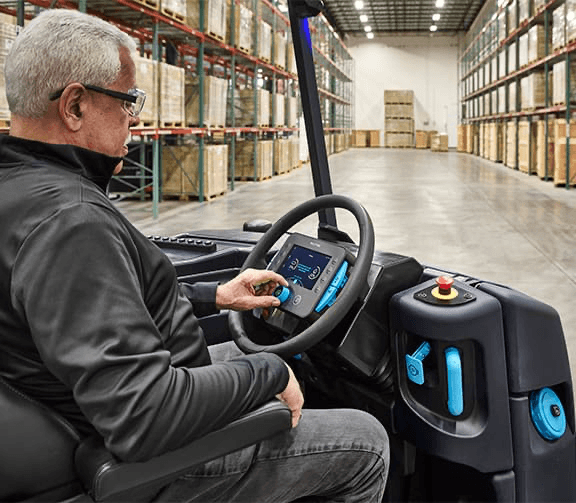
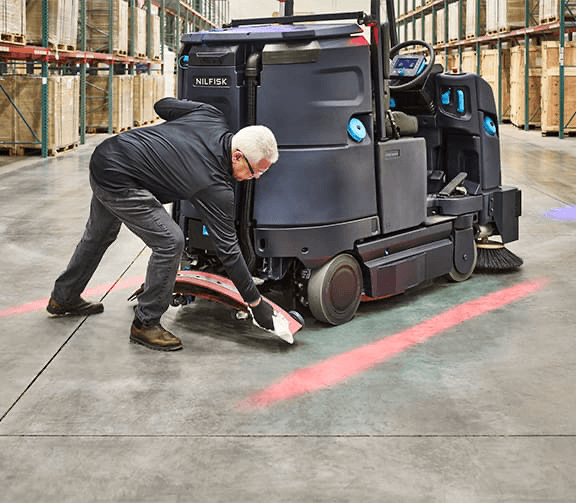
Designing for multimodal interfaces with small screens
Getting design a seat at engineering and product conversations
No shared standard for mapping faults to severity or response
Adapting web accessibility standards to machine-specific physical environments
DESIGNING WITH AI
AI tools raise output speed. The real focus shifts to deciding what to create and how to keep quality consistent.
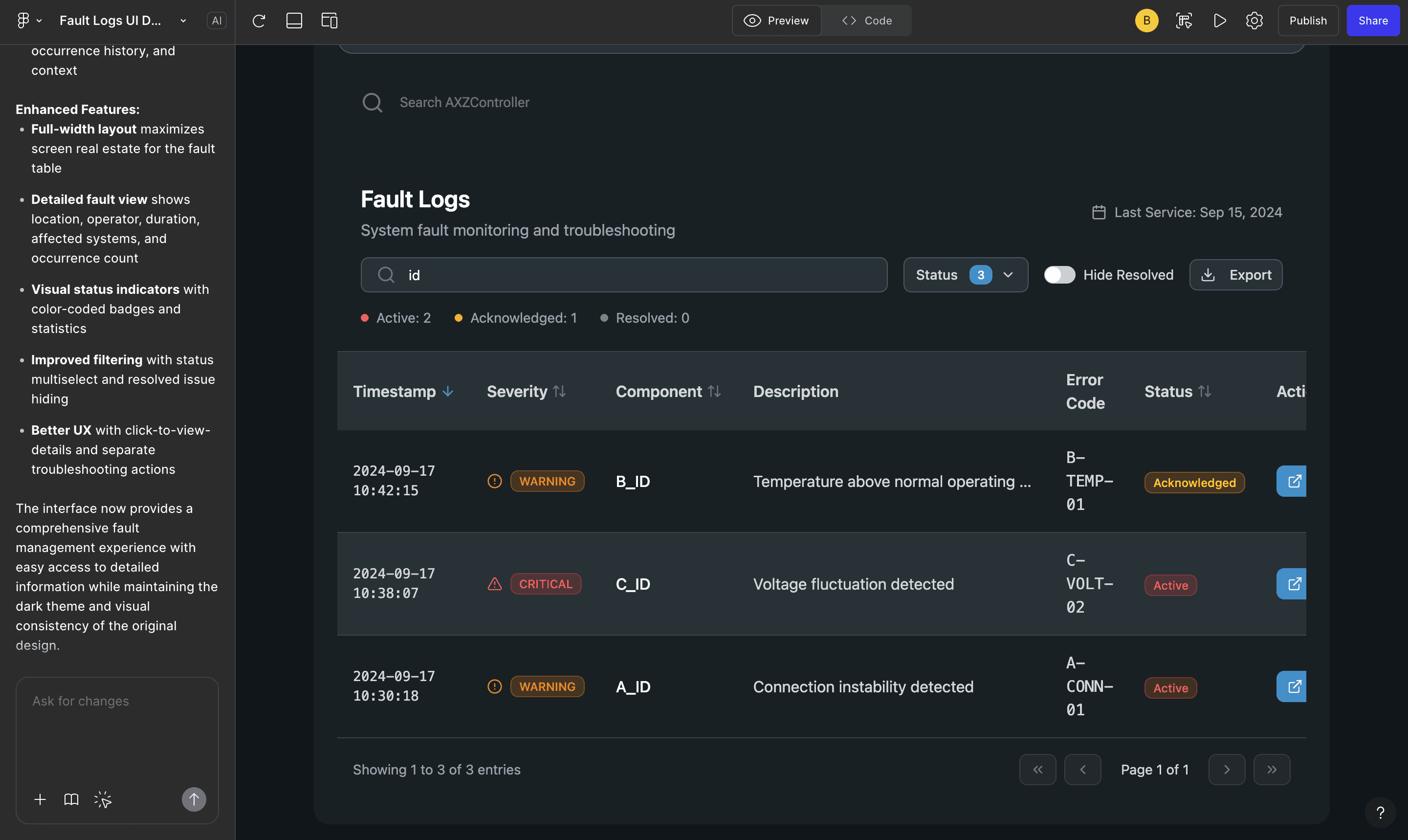
Prototyping interfaces
Figma Make referenced the design system to prototype a fault log dashboard. This fast-tracked discussions on information hierarchy, bundling service call data on-screen, and filtering logs per visit.
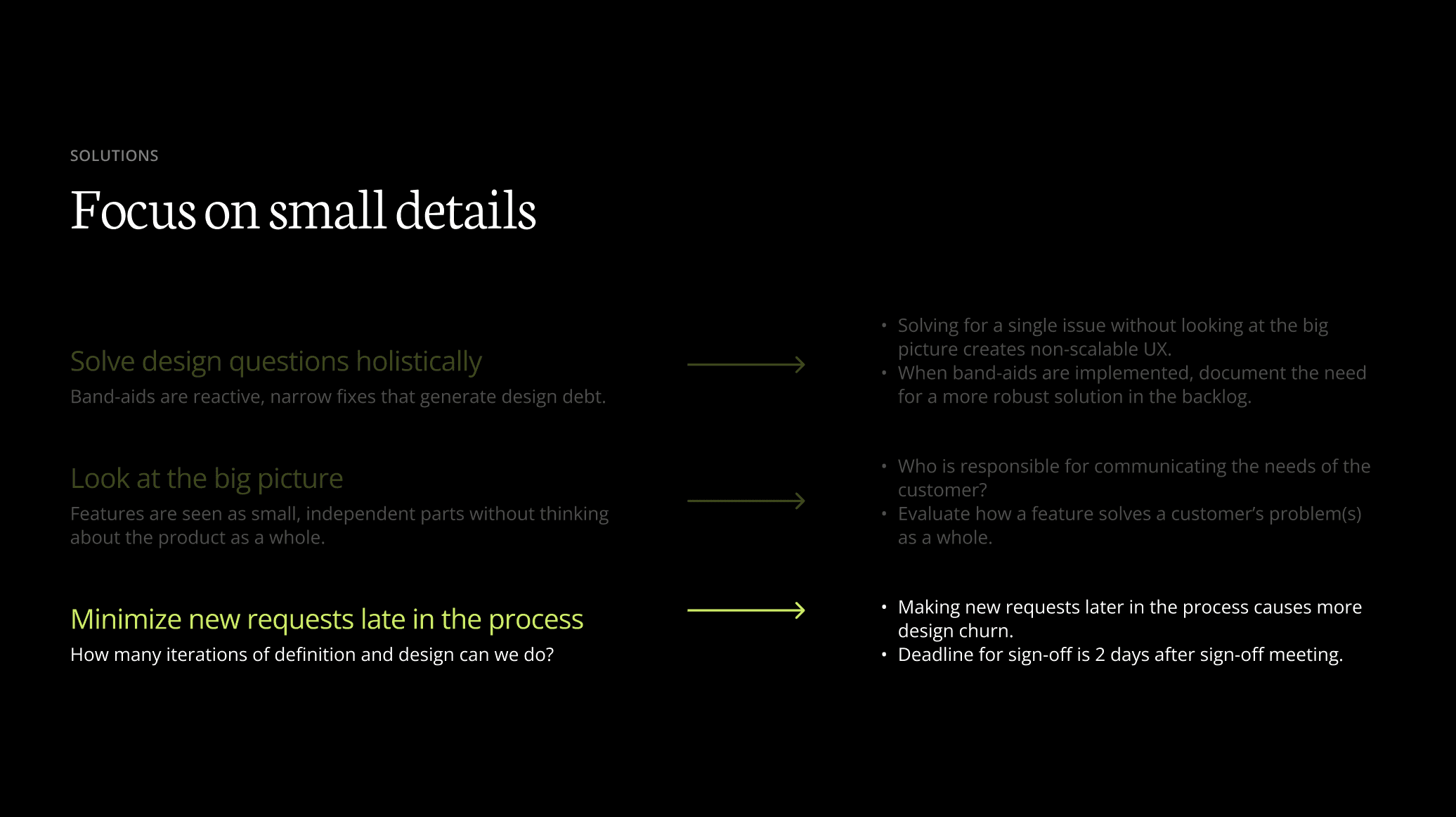
Establishing a shared language with Design Studios
Figma Slides brought visual consistency to Design Studio presentations and kept stakeholders engaged.

Documenting feature requirements
Atlassian Rovo and Microsoft Copilot captured requirements directly from meetings and discussion notes.
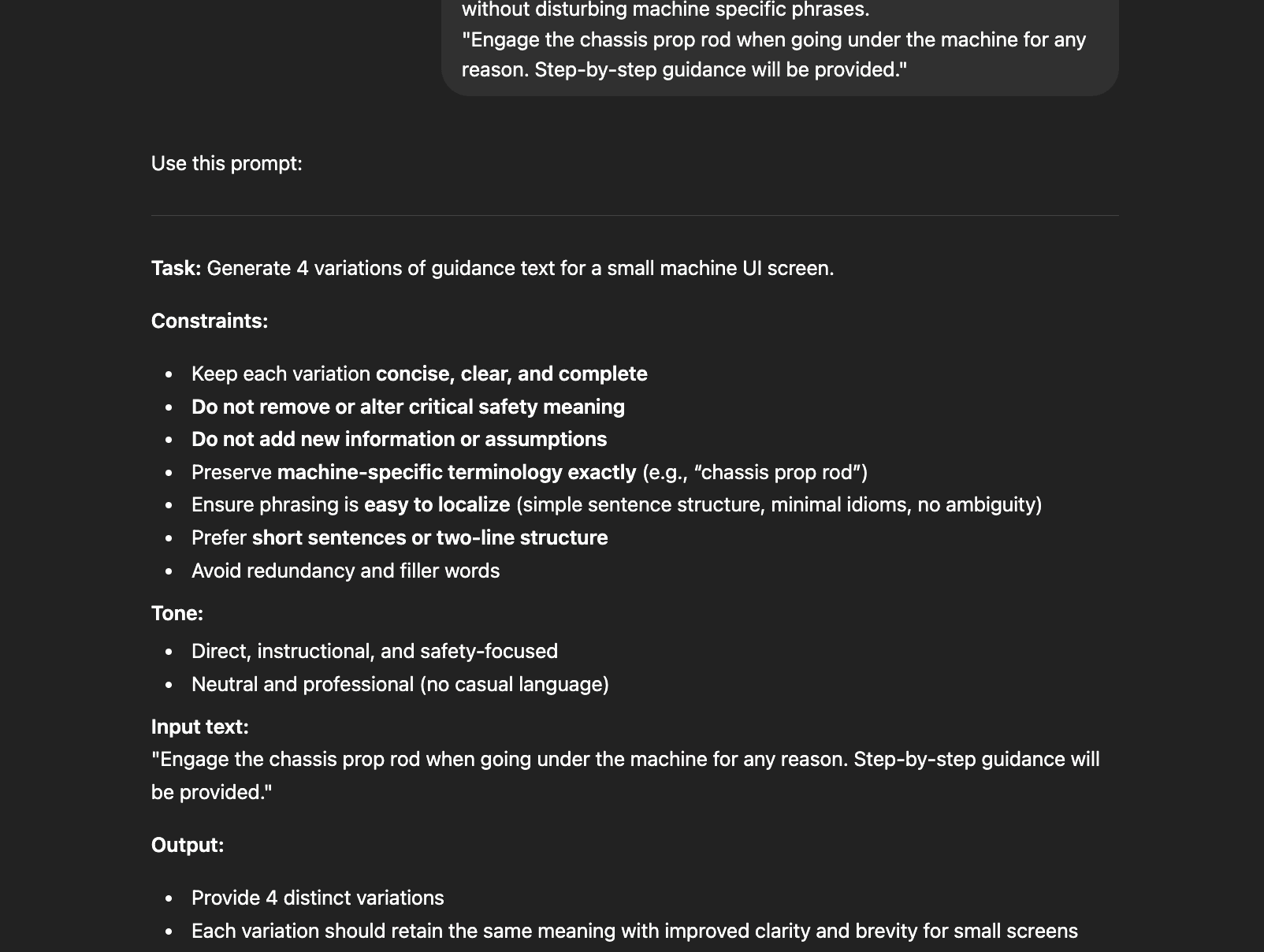
UX copywriting
Good UX copy is the difference between an operator who can act and an operator who can't. LLMs were used to create variations with industry specific language and constraints.
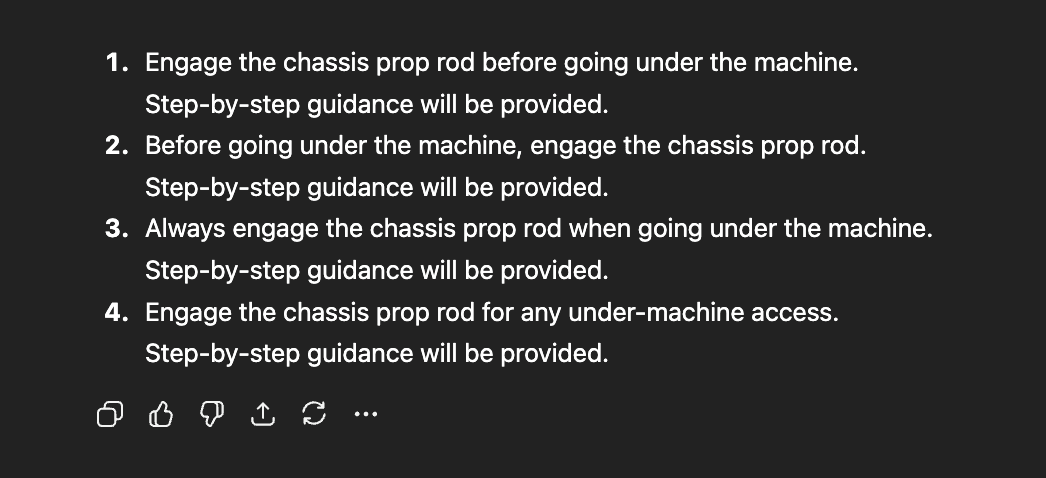
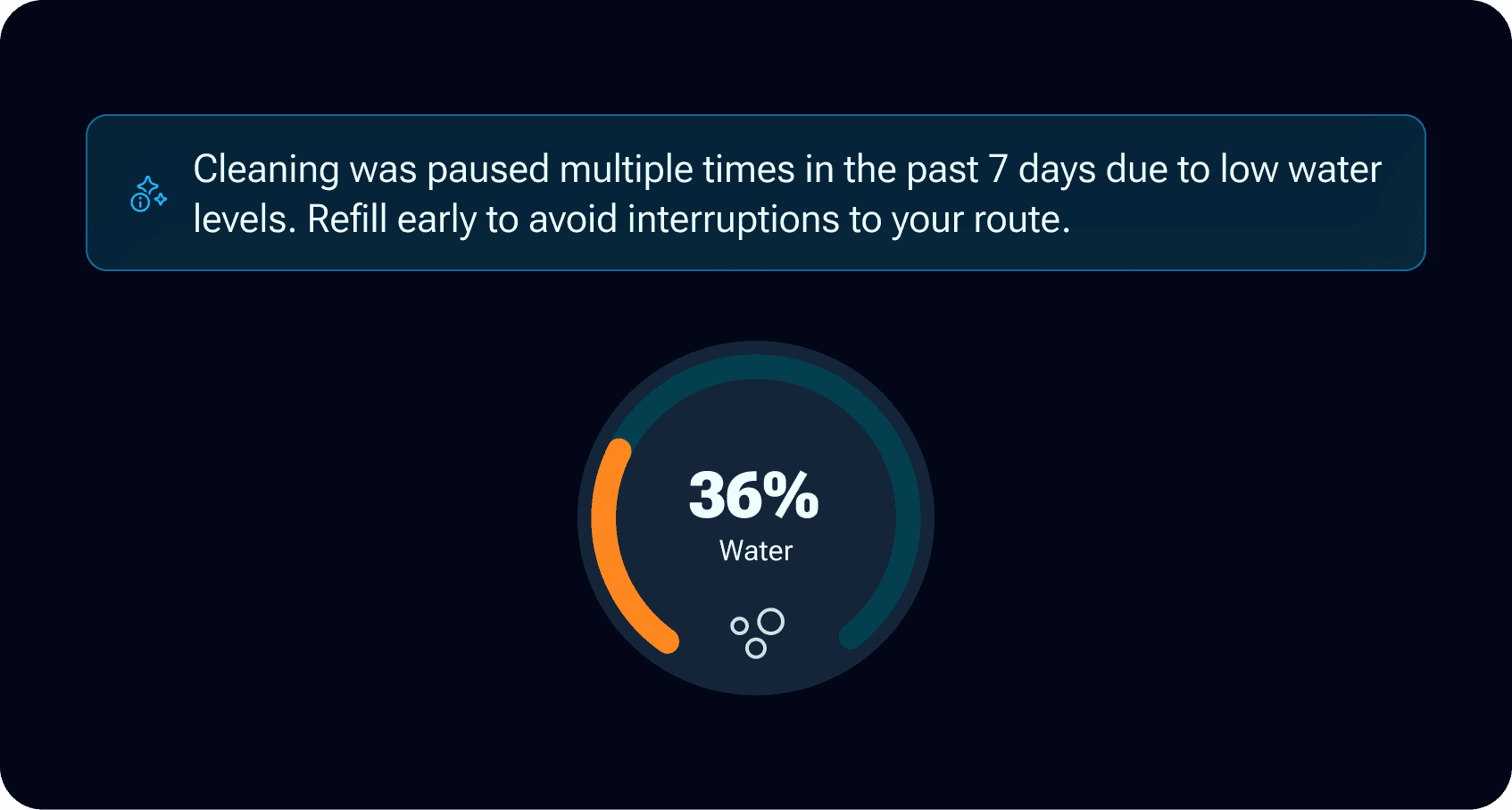
Making the machine smarter with AI-enabled user flows
The UI identifies patterns in user behaviour. Do operators trip at the same step in a guided flow? Are brooms running too low and causing wear? The machine senses repeated issues and adjusts its guidance accordingly.
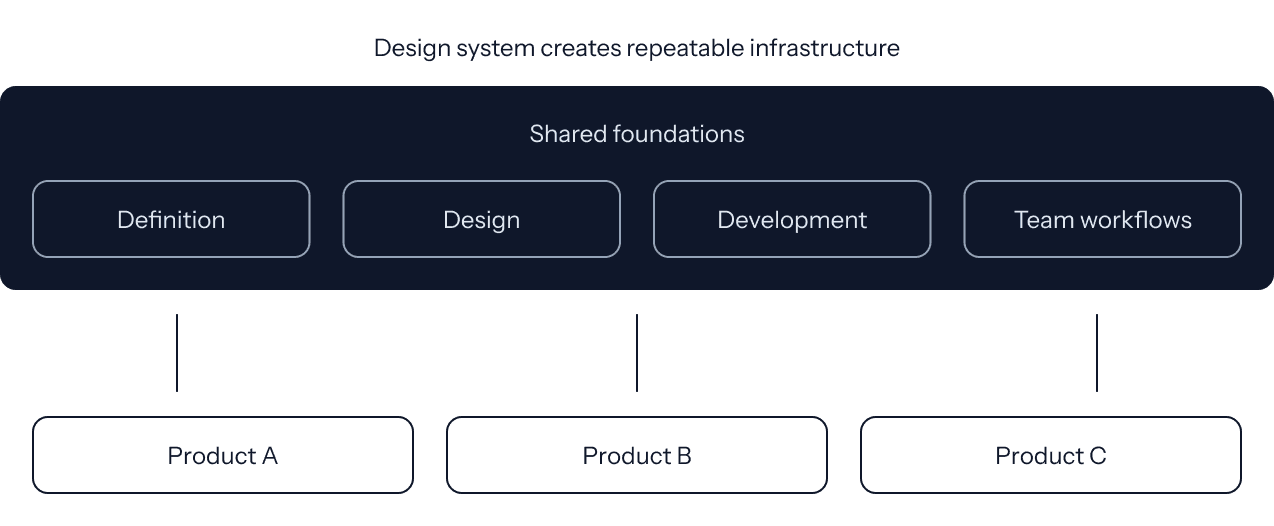
UNIFIED DESIGN ARCHITECTURE
Making the building part easy.
The experiences were built through a shared design language using the Atomic Design Methodology.
Designed for multimodal interaction
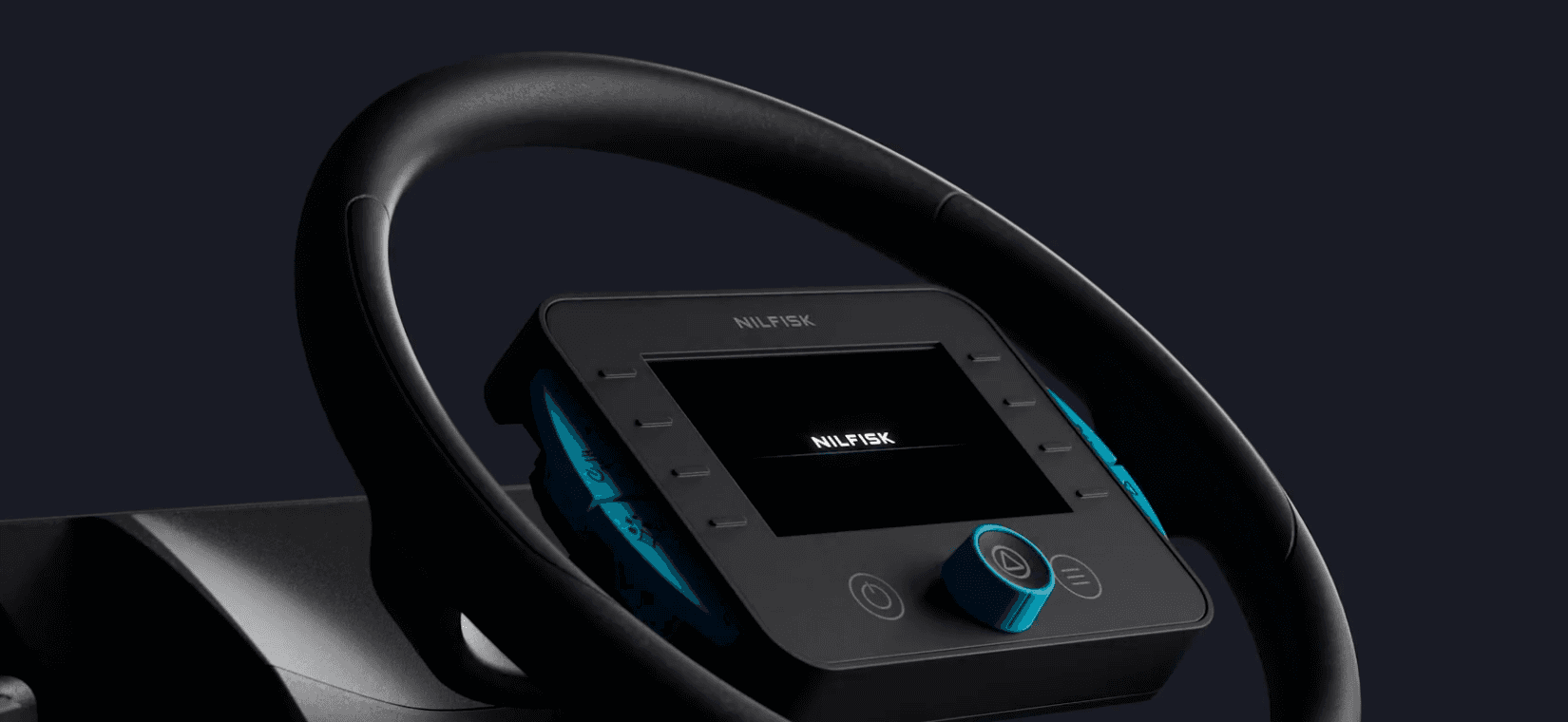
All subsystems were mapped to both touch controls on-screen and multiple physical controls on the machine.
Design Tokens
Design tokens were defined across color, typography, iconography, spacing, and sizing - at both raw and semantic levels.
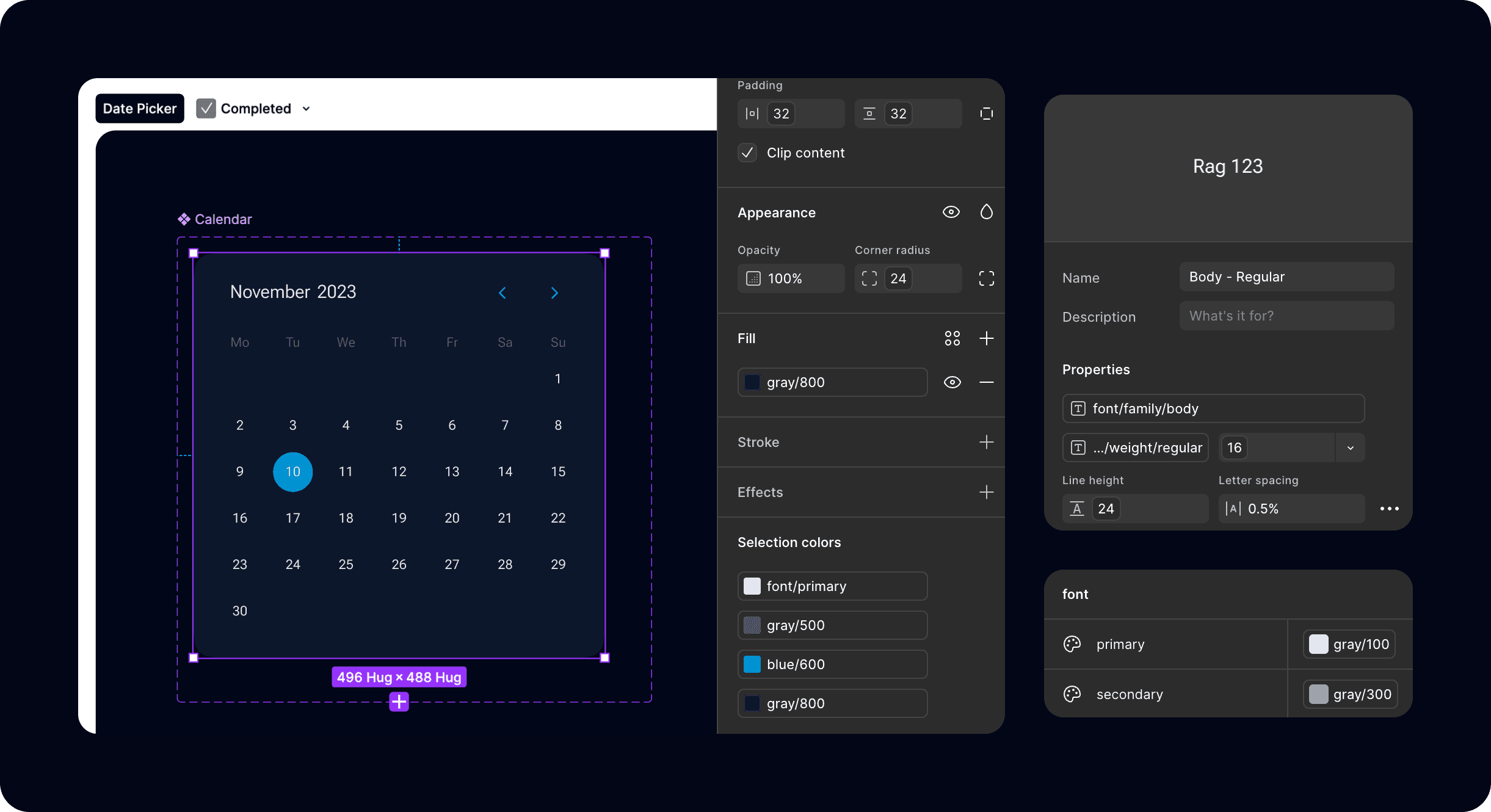
Adapted accessibility for real-world conditions
All values are aligned with AAA accessibility standards. The interface was validated on the machine’s hardware display, with color adjustments made to address real-world visibility issues where compliant values appeared washed out.
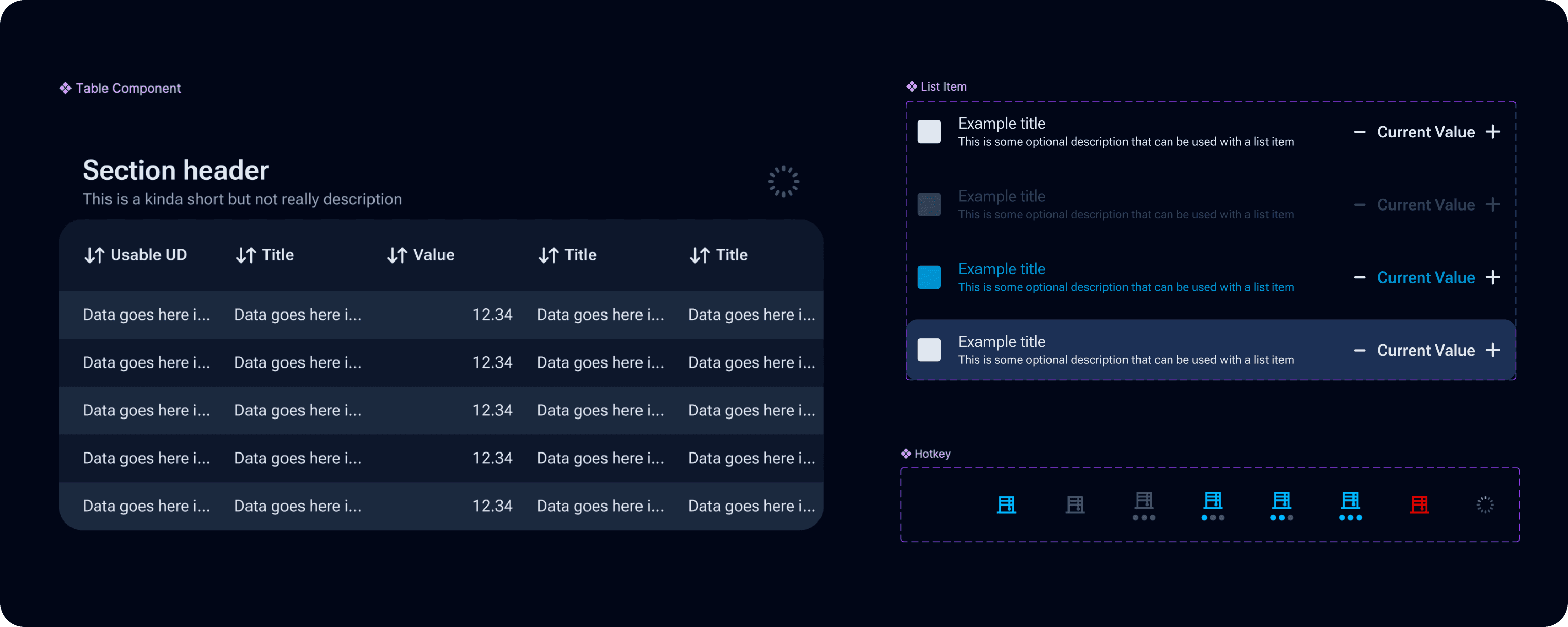
Reusable UI Components
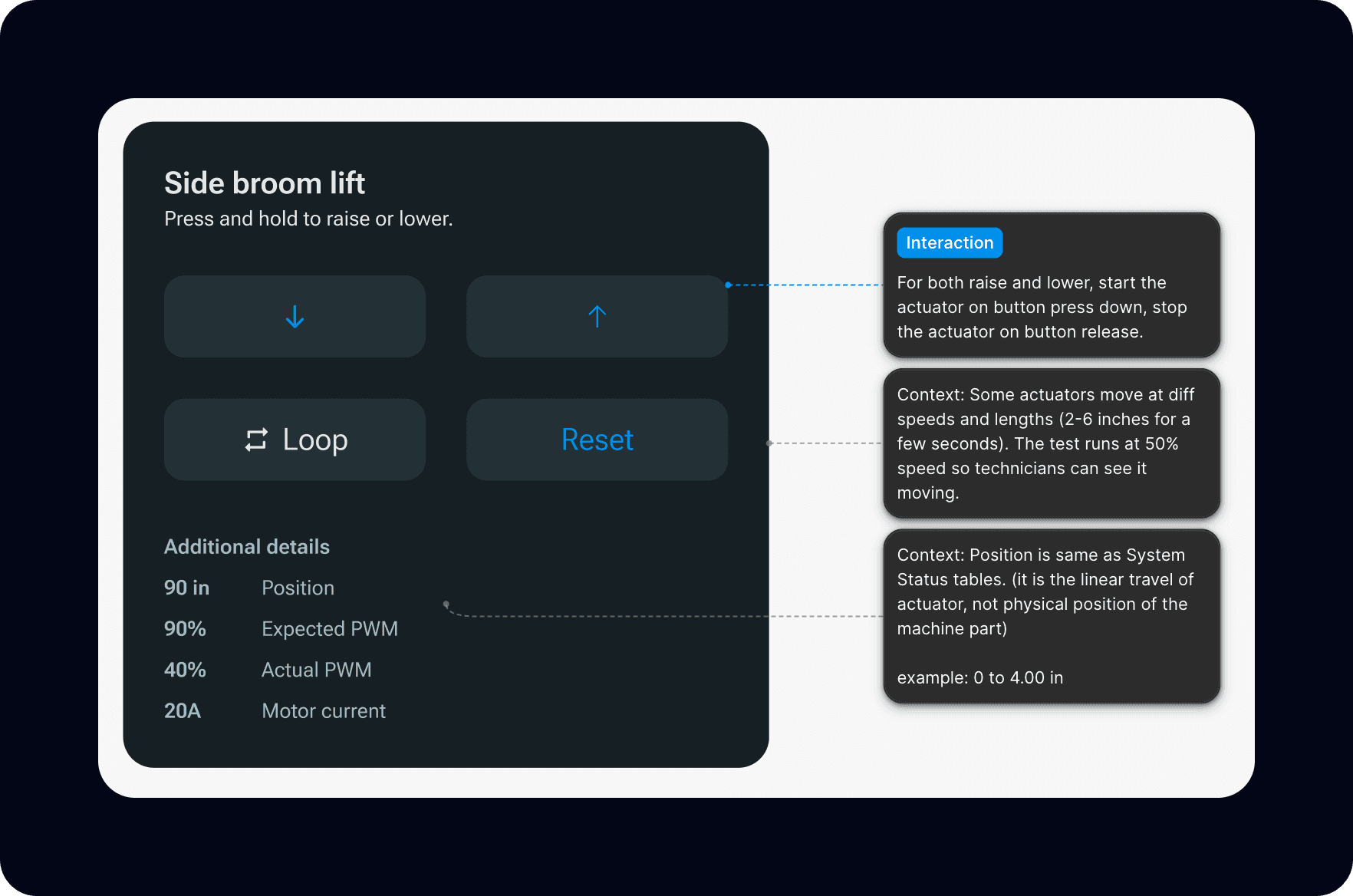
Designing for multiple screen sizes requires every building block to be a scalable component. For example, icons sit within Hotkey buttons. These icons scale. The interaction area of the hotkey button scales as well.
Fault Prioritisation Framework and WYSIWYG
Operators learn by doing. Accurate real-time UI means the interface teaches as much as it guides - cognitive scaffolding, not just task completion.

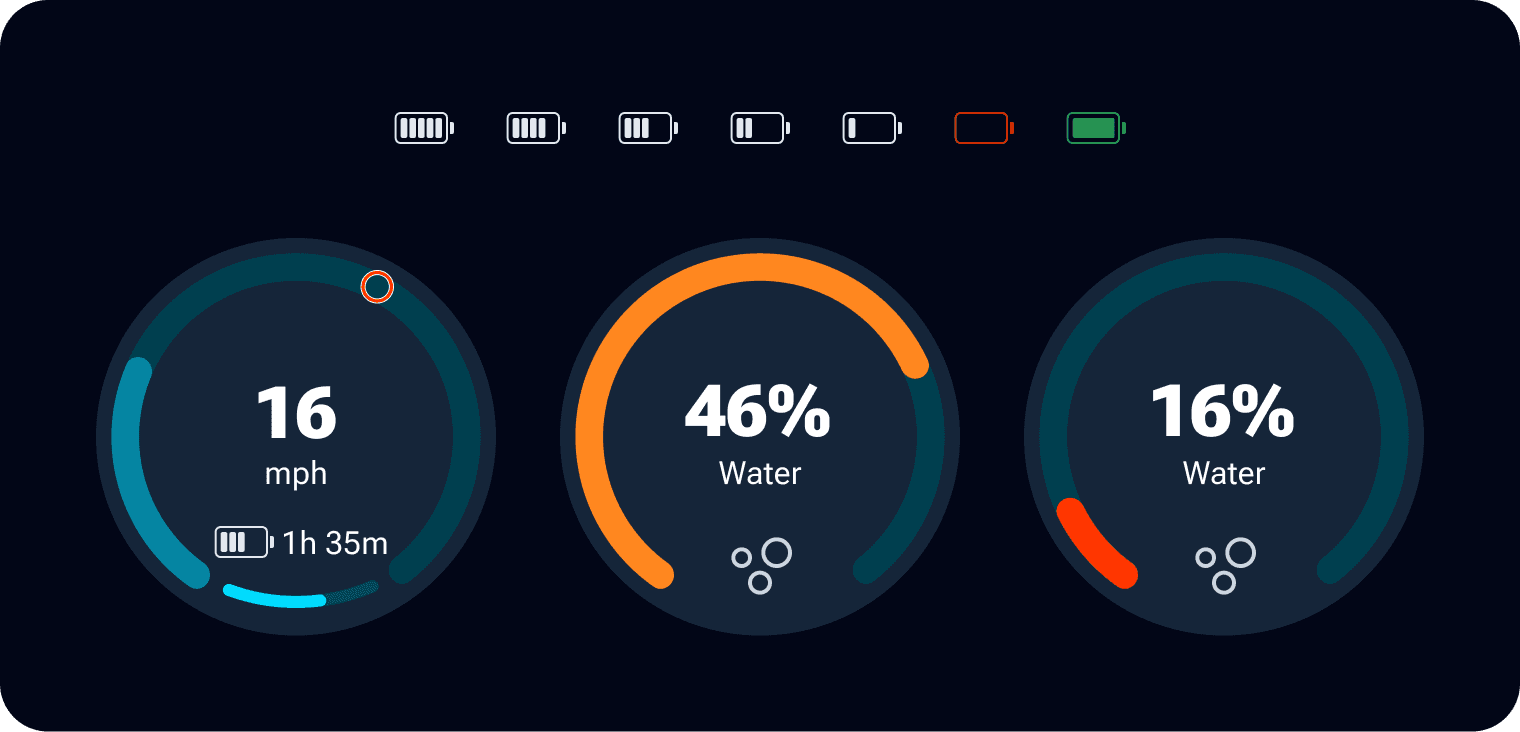
Unified Workflows with the Stepped Flow
Using the same component across different user flows created a sense of familiarity with the guidance the UI would provide.